
At Salesken, we adopted Copilot early. The gains were real for boilerplate, but it never helped us understand our own codebase better or make better architectural decisions.
Most ROI calculations for GitHub Copilot are wrong. They measure the wrong things.
Teams usually calculate: "Copilot costs $120/year per person. Engineers report they're 25% faster. 10 engineers using it means we save 2.5 person-years of engineering time per year. That's worth $500k in salary at average senior engineer cost. ROI is 4x."
This calculation is nonsense.
It's nonsense because it measures outputs (lines of code, "time saved") not outcomes (business value). It ignores hidden costs (technical debt accumulation, incident response). It assumes the velocity gains are real and translate to business outcomes.
Here's a framework that actually works:
Step One: Baseline Measurement
Before adopting Copilot, measure three things:
Feature cycle time: How long from planning a feature to shipping it to customers? Measure this for the last 10 features. Average them. This is your baseline.
For a 10-person engineering team at a Series B company, typical cycle time is 3-4 weeks from planning to shipped. Track it.
Code review duration: How long does a pull request sit in review? Median time. This is important because Copilot might make reviews faster or slower.
Typical median is 4-8 hours. Track it.
Incident rate in new code: What percentage of production incidents stem from code written in the last month? Track this for 6 months.
Typical is 2-8% of incidents. (Some teams have near-zero because they're testing-heavy. Some teams have higher because they ship fast.)
Write these down. These are your baseline metrics.
Step Two: Controlled Comparison
After adopting Copilot, measure the same things for the same team, with the same feature complexity.
Is feature cycle time shorter? For the first month after Copilot adoption, team velocity usually goes up by 15-30%. This is real. Engineers write code faster. Less time waiting for IDE autocomplete, less boilerplate, faster iteration. For a 3-week cycle, you might see it drop to 2.5 weeks.
Is code review faster? This is where it gets interesting. Code review might be faster (less time needed to understand code) or slower (more code to review, more need to check for coherence violations). Track it.
Most teams see code review stay about the same or get slightly longer. More code gets reviewed. It's not necessarily harder to review, just more volume.
What about incident rate? This is critical. Does the incident rate in code written with Copilot match the baseline? Is it higher?
At most teams, it's slightly higher in the first 3 months. The Copilot code works fine in isolation. It violates system constraints sometimes. This creates subtle bugs that don't show up immediately but cause incidents later.
Step Three: Calculate Hidden Costs
Now calculate the costs you can't see in velocity:
Cost of increased incident rate: If your incident rate went from 4% to 6% of new code, what's the cost?
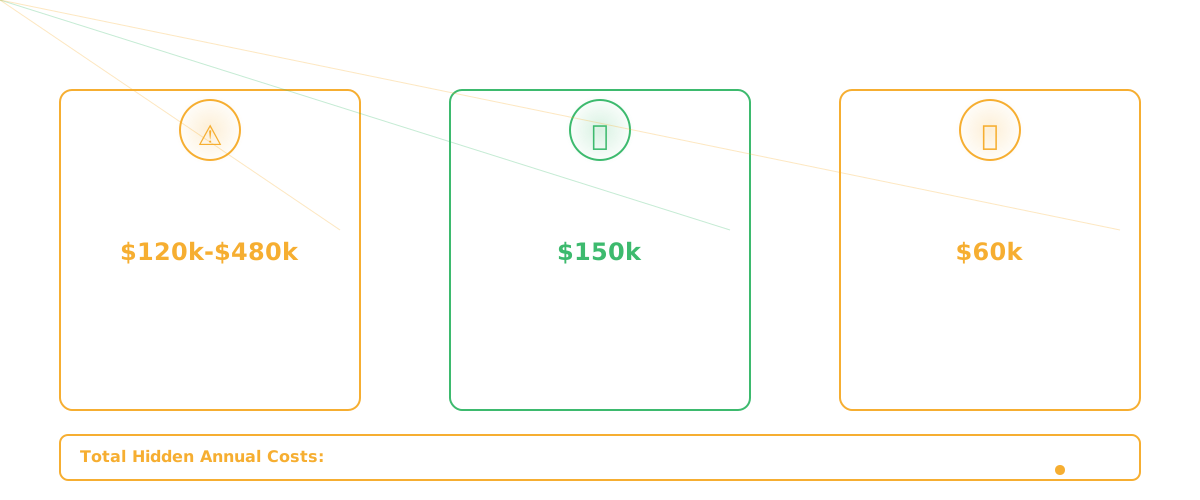
For a team shipping 100 features a month, that's 2 extra incidents. Each incident costs: engineer time to debug (4 hours), customer impact (lost productivity), potential revenue impact (if it's customer-facing). Conservative estimate: $5k-$20k per incident depending on your business. 2 extra incidents = $10k-$40k per month.
Cost of technical debt accumulation: If Copilot is scaling bad patterns, you're accumulating debt faster. Measure this by tracking cyclomatic complexity of hot modules. If complexity is growing 20% faster in Copilot-assisted code, you have accelerated debt.
Cost of debt is hard to calculate directly. But think about it: if you spend 10% more engineering time on maintenance and refactoring, that's opportunity cost. For a 10-person team at $150k average salary, that's $150k/year.
Cost of code review thoroughness: If reviews need to be more thorough (checking for system constraint violations), that's time. If review time increased by 20%, that's 0.4 FTE of engineering time. At $150k, that's $60k/year.
Add these up: $10k-$40k/month in incidents + $150k/year in maintenance + $60k/year in review. That's $240k-$630k/year in hidden costs.
Step Four: The Net Calculation
Copilot costs $120/year per person. For 10 engineers, that's $1.2k/year.
Velocity gains: If you saved 2.5 person-years, and that translates to features shipping 3 weeks faster (10% velocity improvement), how much is that worth?
This depends on what you ship. If you're feature-limited (customers want more features faster) then the value is real. It might be $500k of value (features you shipped 3 weeks earlier). It might be $50k. Depends on your business.
For most SaaS businesses at Series B, 10% velocity improvement is worth $100k-$300k if that velocity translates to features users want.
So:
Velocity gain value: $100k-$300k Minus incident costs: -$120k-$480k Minus maintenance costs: -$150k Minus review costs: -$60k Minus tool cost: -$1.2k
Net: -$231k to +$89k
This range is huge. The outcome depends on:
- Whether the velocity gains are real (not just "we're writing more code")
- Whether that velocity ships features customers want
- Whether incident rate really increases
- Whether you manage technical debt
For many teams, the answer is: Copilot's net ROI is negative because velocity gains don't translate to business value, but hidden costs are real.
For teams that are carefully managing Copilot (explicit architectural context, rigorous review, intentional refactoring) the ROI can be positive.
Measuring What Actually Matters
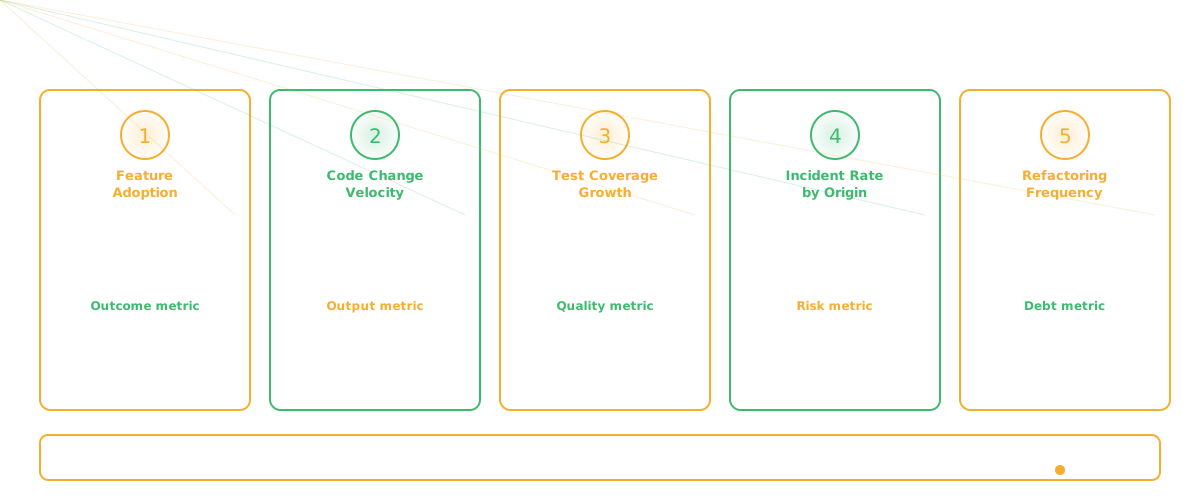
Instead of guessing, track these metrics continuously:
Feature adoption rate: Of Copilot-assisted features, what percentage reach 5% active user adoption? Compare to non-Copilot features.
Code change velocity: How many lines of code are changed per engineer-hour in Copilot-assisted vs. human-written code?
Test coverage growth: Is test coverage increasing, staying flat, or decreasing in Copilot-assisted code?
Incident rate by code origin: Explicitly tag incidents by whether they came from Copilot-assisted code or human-written code.
Refactoring frequency: Are you doing more refactoring to address Copilot-scale debt? Or less?
Most teams don't track these because they're uncomfortable. They're data that either validates your Copilot investment or doesn't. Track them anyway. This is the only way to actually know if the tool is worth the cost.
The Honest Assessment
For most teams, Copilot ROI is unclear. The velocity gain is real. The hidden costs are also real. They're roughly offsetting.
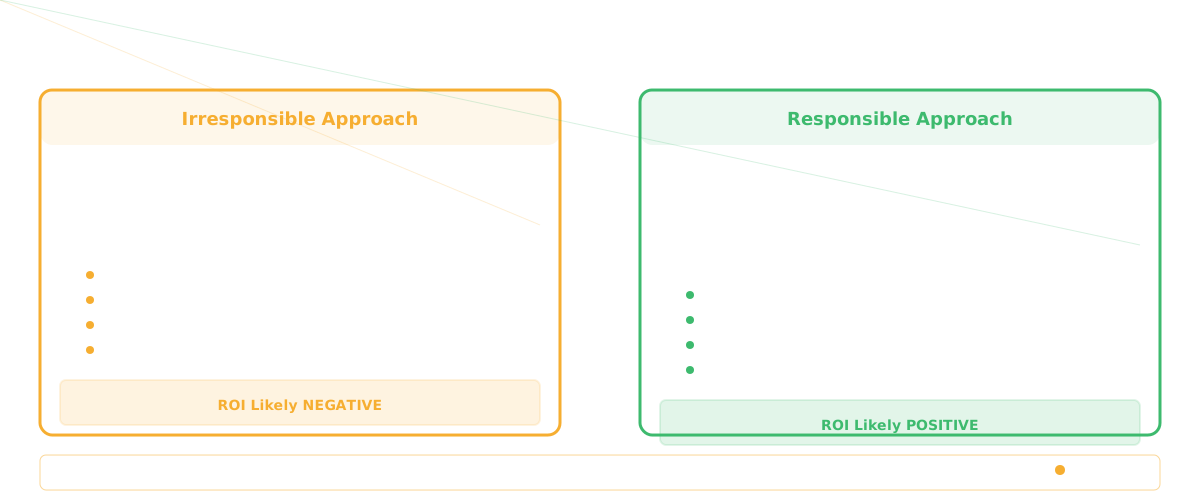
For teams that treat Copilot as "write code faster without changing anything else," ROI is probably negative. You get speed but lose quality and create debt.
For teams that treat Copilot as "write code faster, then invest the margin in quality and intentional architecture," ROI is positive. You get speed without losing coherence.
The question isn't "is Copilot worth it?" The question is "can we handle the tool responsibly?" If yes, it's worth it. If no, it probably isn't.
Frequently Asked Questions
Q: How do we know if feature adoption rates are affected by Copilot?
You usually don't. Adoption depends more on product management than on code quality. But if adoption is dropping and code quality is declining, Copilot might be part of the story (not because Copilot writes bad features, but because the speed gain is masking a prioritization problem).
Q: Should we measure incident rate separately for Copilot code?
Absolutely. Tag every production incident with "source code origin: Copilot-assisted" or "human-written." After 3 months you'll see if there's a real difference. Tracking change failure rate and cycle time per origin gives you the clearest signal.
Q: What if Copilot ROI is negative? Should we stop using it?
Not necessarily. It depends on whether you're willing to invest in managing it better. More review, better prompts, intentional architecture. If you're not willing to invest, yeah, ROI is probably negative and you should reconsider.
Related Reading
- AI Code Assistant vs Codebase Intelligence: Why Agentic Coding Changes Everything
- AI Agents for Engineering Teams: From Copilot to Autonomous Ops
- AI for CTOs: The Agent Stack You Need in 2026
- Engineering Copilot vs Agent: Why Autocomplete Isn't Enough
- Context Engineering for AI Agents: Why RAG Alone Isn't Enough
- GitHub Copilot Metrics: How to Measure AI Coding Assistant ROI