Comparison
Cortex manages service catalogs and standards. Glue analyzes code for product decisions. Compare service visibility vs codebase intelligence.
I've evaluated dozens of engineering tools across three companies. What matters isn't the feature list — it's whether the tool actually changes how your team makes decisions.
Cortex is a SaaS developer experience platform that provides service catalogs, ownership metadata, engineering scorecards, and standards management. Glue connects to your codebase and answers questions about what's actually in it. Both address visibility problems, but Cortex measures whether services meet standards while Glue explains what services do and what changing them costs.
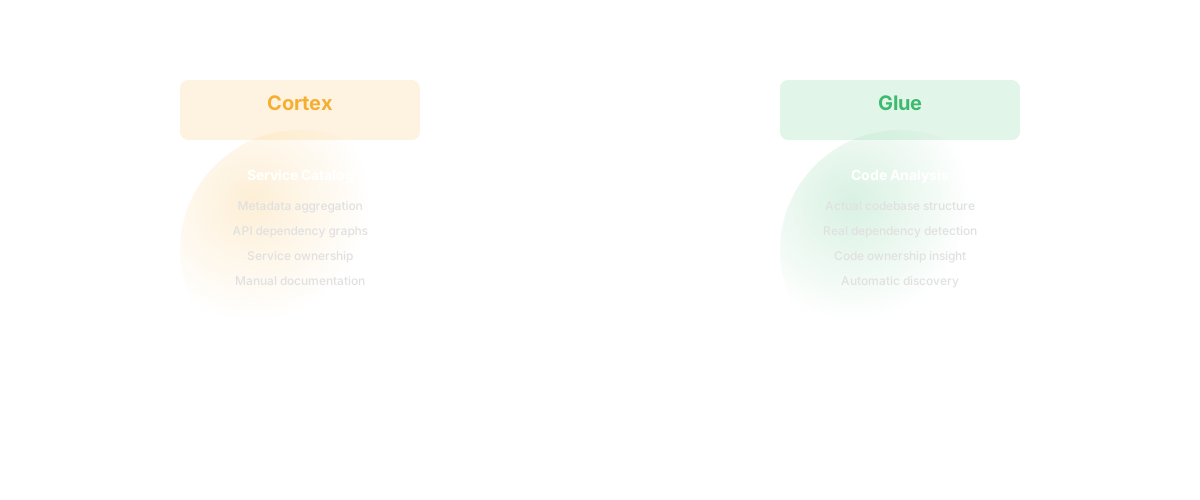
Cortex is a service catalog and internal developer portal. It tracks which services exist, who owns them, whether they meet engineering standards (documentation, test coverage, deployment frequency, on-call coverage), and surfaces that information through scorecards. Teams define standards - "all services must have API documentation" or "all services must have runbooks" - and Cortex tracks which ones meet those standards.
Cortex is designed for large organizations with many services. It brings visibility to questions like "which services don't have on-call coverage?" and "what's our test coverage trend across services?" It requires someone to set up standards, maintain service ownership metadata, and integrate with your observability tools. Primary users are engineering leaders and developers managing a microservices architecture. Cortex measures quality. It answers "are we meeting our engineering standards?"
Glue analyzes your codebase and answers: "what does this service do?" "who actually owns each module?" "how complex is it?" "what are the dependencies?" "what changed last sprint?" It generates documentation from the code itself. You don't set standards in Glue - Glue measures what's actually there: complexity, dependency coupling, code churn, ownership.
Glue provides technical reality without requiring metadata maintenance. When you ask "why does everything in the payments module take 3x longer than similar work elsewhere?", Glue shows the answer: it's coupled to the checkout module, it has high cyclomatic complexity, and it was last substantially changed 18 months ago. That insight comes from analyzing the code, not from metadata anyone maintains.
Glue measures reality. It answers "what is the technical situation?"
Cortex measures standards and expectations. Glue measures actual code.
| Capability | Cortex | Glue |
|---|---|---|
| Service ownership | Yes | Yes |
| Standards tracking | Yes | No |
| Code health metrics | Limited | Yes |
| Requires metadata maintenance | Yes | No |
| Scorecard dashboards | Yes | No |
| Natural language questions | No | Yes |
| Analyzes actual code | Limited | Yes |
| Dependency mapping | Limited | Yes |
| Integration with tools | Extensive | Targeted |
| Primary users | Engineering leaders | PMs, engineering managers |
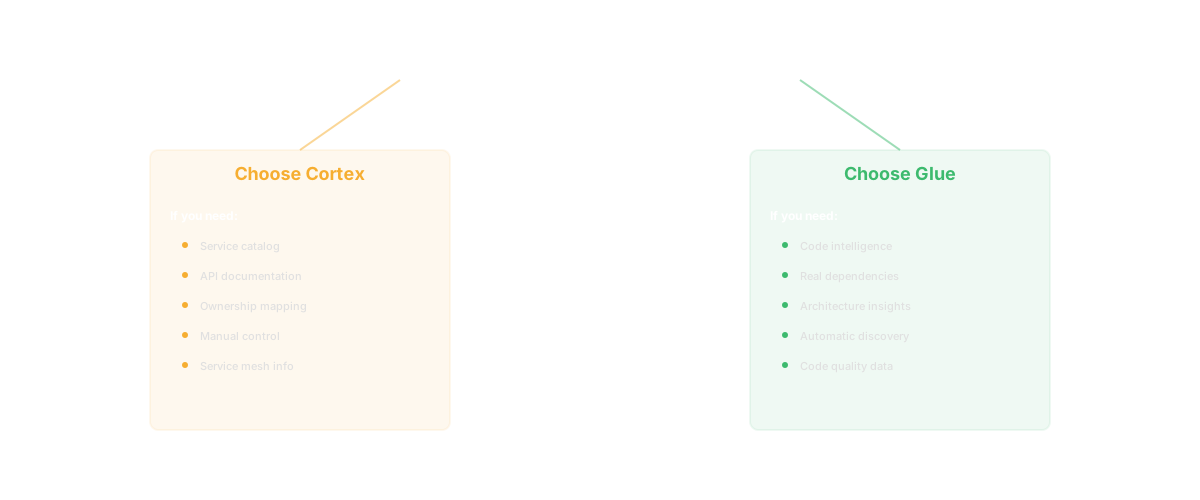
Choose Cortex if: you're managing a large microservices platform and need centralized visibility into ownership and standards. You want to track whether teams are meeting your engineering standards. You have 100+ services and need a dashboard showing which ones are up to code. You're willing to maintain service ownership metadata.
Choose Glue if: you need product-engineering alignment without managing a developer portal. A PM asks "what will this change cost?" and you want them to see the complexity and dependencies without reading code. You want accurate codebase documentation that stays current automatically. You don't want to maintain metadata - you want analysis of the actual codebase.
| Feature | Cortex | Glue |
|---|---|---|
| Service catalog | Core feature — comprehensive | Not a service catalog |
| Scorecards | Track service maturity metrics | Track code health differently |
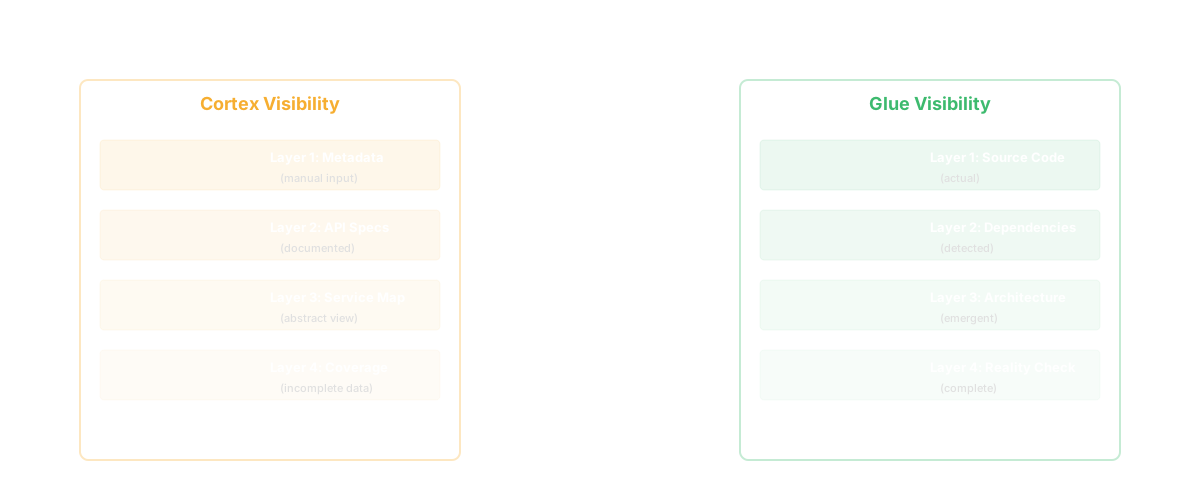
| Ownership tracking | Manually defined | Derived from git history automatically |
| On-call integration | PagerDuty, OpsGenie integration | Not applicable |
| Service dependencies | Manually documented | Auto-discovered from code |
| Code complexity analysis | Not available | Deep structural analysis |
| Knowledge silo detection | Not available | Identifies knowledge concentration |
| Bus factor analysis | Not available | Calculates bus factor per module |
| Codebase questions (NL) | Not available | Ask anything about your code |
| Feature discovery | Not available | Catalogs product features from code |
| Competitive gap analysis | Not available | Scores gaps against your codebase |
| Best for | Platform engineering, service management | Codebase intelligence, product understanding |
Cortex is a developer portal and service catalog. It answers: "What services do we have? Who owns them? Do they meet our standards?" This is infrastructure-level intelligence for platform engineering teams managing dozens or hundreds of microservices.
Glue is a codebase intelligence platform. It answers: "What does our code actually do? Who really understands it? What's the impact of changing something?" This is code-level intelligence for product and engineering teams who need to understand what they've built.
Cortex focuses on service-level metadata. It tracks whether services have runbooks, monitoring, SLOs, and proper documentation. It enforces standards. It creates accountability.
Glue focuses on code-level understanding. It tracks what the code actually does, who knows it, and how it connects. It surfaces risks that metadata can't capture: knowledge silos, hidden dependencies, and architectural complexity.
Choose Cortex if you're a platform engineering team managing a large microservices fleet. If your primary challenge is service sprawl — too many services, unclear ownership, inconsistent standards — Cortex brings order. If you need to enforce that every service has monitoring, documentation, and an on-call rotation, Cortex scorecards are designed for exactly that.
Choose Glue if your challenge is codebase understanding, not service management. If product managers can't answer "what have we built?" or engineers spend days figuring out what will break before making changes. If tribal knowledge is slowing down your team. If developer onboarding takes months instead of weeks.
Q: Can we use both Cortex and Glue?
Yes. Cortex provides service ownership, standards tracking, and operational visibility. Glue provides codebase intelligence for product decisions. Different problems, complementary solutions.
Q: Does Cortex analyze code?
Cortex can integrate with some code tools, but code analysis isn't its primary strength. Cortex's strength is aggregating metadata and measuring against standards.
Q: Which is better for understanding our codebase?
Cortex tells you if your services meet standards. Glue tells you what your services actually do and what they're coupled to. For product-engineering alignment, Glue is the better answer.
Q: Do I need Cortex if I have Glue?
Depends. If you're managing many services and need standards visibility, yes. If you primarily need technical context for product decisions, probably not.
Keep reading
Related resources
