
ClickUp Brain is an AI layer built into the ClickUp project management platform with three core capabilities: AI Knowledge Manager (workspace search and Q&A), AI Project Manager (automated standups, progress reports, field auto-fill), and AI Writer (content generation, summarization, translation). At $7 per member per month, it delivers clear ROI for teams spending significant time on status reports and task management — but it does not analyze code content, architecture, dependencies, or complexity, making it a project management AI rather than an engineering intelligence tool.
At Salesken, we evaluated ClickUp Brain when it launched — our PM team was already on ClickUp and wanted to know if the AI features justified upgrading the entire org. Here's what we found.
ClickUp launched "ClickUp Brain" as its AI layer in 2023 and has been aggressively expanding it since. For engineering teams evaluating whether ClickUp's AI features justify the switch - or the upgrade - here's an honest breakdown of what works, what doesn't, and what's still missing.
What ClickUp Brain Actually Does
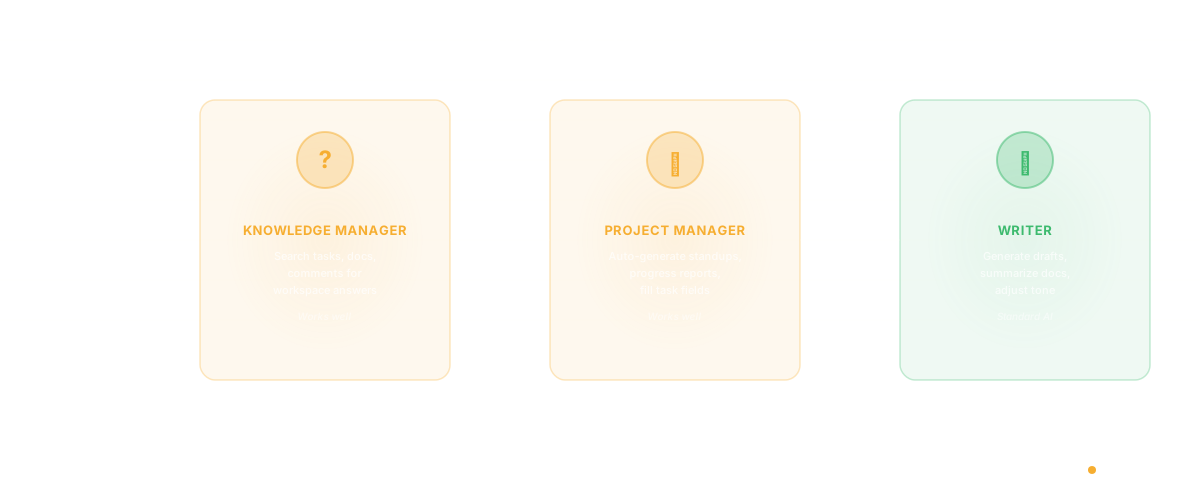
ClickUp Brain is an AI assistant built into the ClickUp project management platform. It operates across three layers:
AI Knowledge Manager. Ask questions about your workspace - "What tasks are assigned to Sarah this sprint?" or "What was decided in last week's planning meeting?" - and Brain searches your tasks, docs, and comments for answers. This works reasonably well for teams that keep their project information inside ClickUp.
AI Project Manager. Brain can generate standup summaries, create progress reports, and auto-fill fields like task descriptions and subtask breakdowns. It reads your task history and generates status updates based on recent activity.
AI Writer. The standard AI writing assistant - generate drafts, summarize documents, translate content, adjust tone. If you've used ChatGPT or Claude for writing, you know what this does. ClickUp's version has the advantage of context from your workspace.
What Works Well
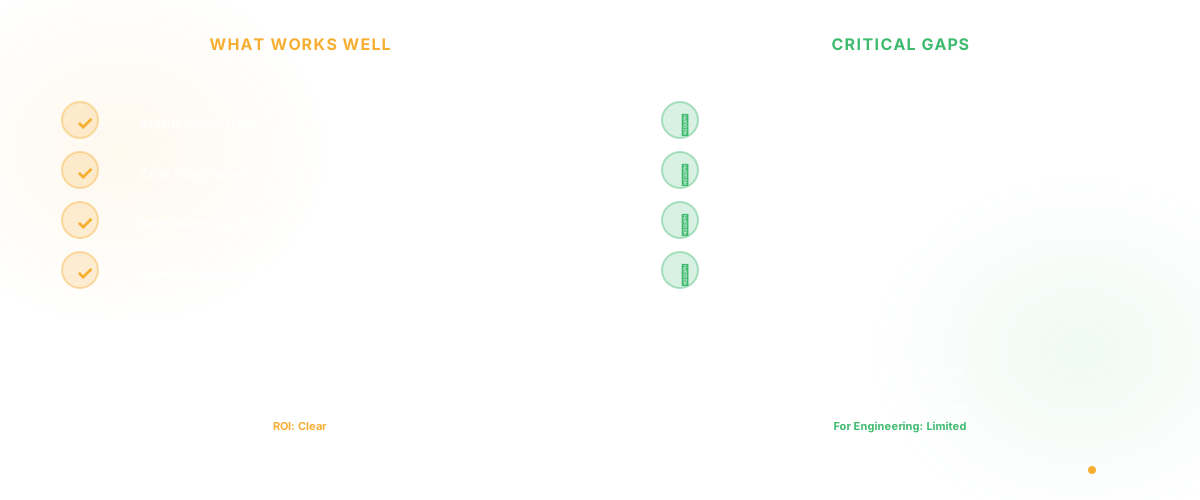
Standup and progress summaries. Brain's ability to scan recent task activity and generate a sprint summary is genuinely useful. Instead of manually compiling what happened this week across 15 workspaces, Brain does it in seconds. For engineering managers who spend Friday afternoons writing status reports, this alone might justify the cost.
Task description generation. When creating tasks from brief notes or meeting outcomes, Brain can expand a one-liner into a structured task with acceptance criteria, subtasks, and relevant context pulled from related tasks. This saves the 5-10 minutes per task that PMs typically spend on formatting.
Workspace search. Asking Brain "what did we decide about the API versioning strategy?" and getting an answer pulled from a doc comment from three months ago is the kind of institutional knowledge retrieval that every team needs and few tools deliver.
Where It Falls Short for Engineering Teams
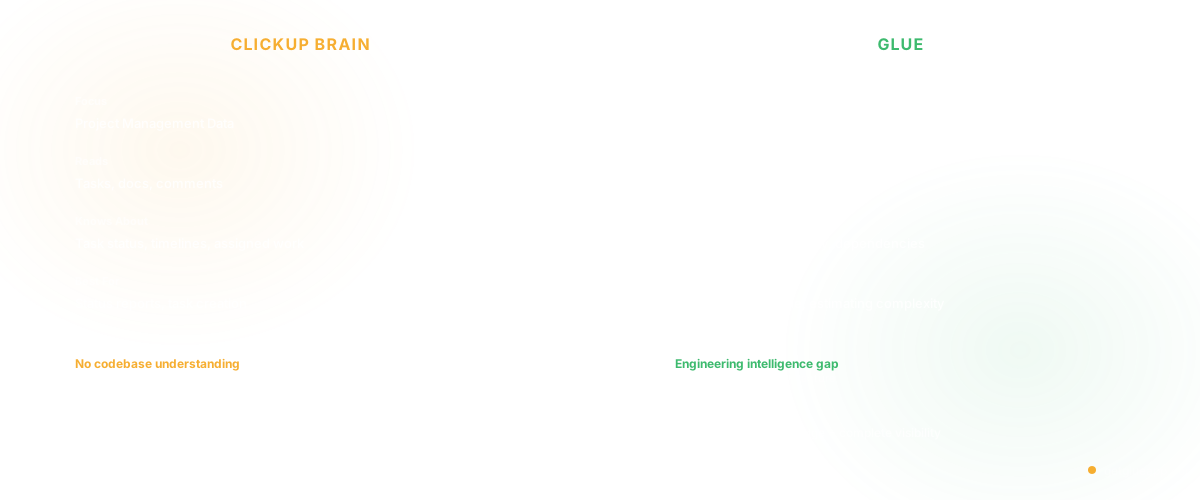
No codebase awareness. This is the fundamental gap. ClickUp Brain knows about your tasks, docs, and comments. It knows nothing about your code. When an engineer asks "what services would be affected if I change the authentication module?", Brain can't answer because it doesn't read your repository. It can tell you which tasks mention "authentication" - but that's searching text, not understanding architecture.
For engineering teams, the most valuable questions are codebase questions: What does this service do? Who owns this module? What are the dependencies? How complex is this area? ClickUp Brain can't answer any of these because project management data and codebase data are different information domains.
AI-generated estimates are unreliable. Brain can suggest time estimates based on historical task data. The problem is that task completion time in ClickUp doesn't capture the actual variables that determine engineering effort - codebase complexity, dependency chains, test coverage in the affected area, and the bus factor of who knows that code. An estimate based on "similar tasks took X days" ignores the technical reality that makes every engineering task contextually unique.
Summarization without insight. Brain summarizes what happened but doesn't analyze why. "Team completed 34 of 42 planned story points" is a summary. "The 8 incomplete points were all in the payment module, which has 3x the average complexity and is owned by a single engineer who was on PTO" is an insight. ClickUp Brain does the former. Engineering teams need the latter.
Limited integration depth. While ClickUp integrates with GitHub and GitLab at the task level (linking PRs to tasks), Brain doesn't use this connection for intelligence. It knows a PR is linked to a task, but it doesn't analyze the PR's content, complexity, or architectural impact. The integration is a reference, not an intelligence source.
ClickUp AI Pricing
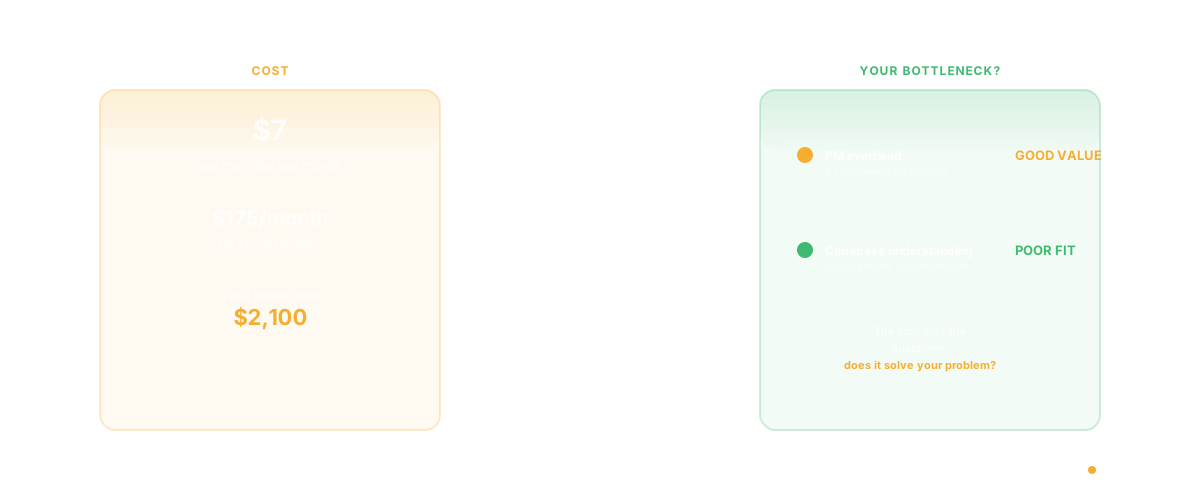
ClickUp Brain is available as an add-on at $7 per member per month on top of your existing ClickUp plan. For a 25-person engineering team already on the Business plan ($12/member/month), that's an additional $175/month for AI features.
The question isn't whether $7/month is expensive - it's whether the AI features solve the problems that actually slow your engineering team down. If your bottleneck is writing task descriptions and generating status reports, Brain is good value. If your bottleneck is understanding the codebase, estimating accurately, or bridging the gap between what PM sees and what engineering knows, the investment addresses the wrong problem.
Alternatives for Engineering Teams
For project management AI: Linear offers AI-powered project updates and writing assistance built into a tool designed specifically for software teams. Monday.com and Asana have comparable AI features for general project management.
For codebase intelligence: This is where Glue addresses the gap that ClickUp Brain leaves open. Instead of AI that reads your tasks, Glue provides AI that reads your code. It maps architecture, tracks dependencies, identifies complexity hotspots, and answers technical questions that project management tools fundamentally cannot - because the answers live in the repository, not in Jira or ClickUp.
The distinction matters: ClickUp Brain tells you the status of work. Glue tells you the reality of the code. For engineering teams, the code is the source of truth - task status is a lagging indicator that's often wrong by the time someone reads it.
For combined workflow: Many teams use ClickUp (or Linear, or Jira) for project management alongside Glue for codebase intelligence. The two serve different purposes - one tracks what you plan to do, the other reveals what the code actually looks like. Using both eliminates the gap where project plans meet technical reality.
For related comparisons, see our AI Code Assistant vs Codebase Intelligence breakdown and our guide to AI for product management.
Should Your Engineering Team Use ClickUp Brain?
Yes, if: Your team already uses ClickUp, your PM spends significant time on status reports and task formatting, and your primary pain point is project management overhead - not technical understanding.
No, if: Your team's bottleneck is understanding the codebase, estimating accurately, or bridging the communication gap between product and engineering. ClickUp Brain solves project management problems, not engineering intelligence problems.
Consider both, if: You need project management AI AND codebase intelligence. ClickUp Brain for the PM workflow, Glue for the engineering knowledge layer. They're complementary, not competitive.
Frequently Asked Questions
Is ClickUp AI worth it?
At $7/member/month, ClickUp Brain is worth it for teams that spend significant time on status reports, task creation, and workspace search. For a PM who saves 5 hours per week on report generation and task formatting, the ROI is clear. For engineering teams whose bottleneck is codebase understanding rather than project management overhead, the value is more limited.
What AI features does ClickUp have?
ClickUp Brain includes three core capabilities: AI Knowledge Manager (search and Q&A across your workspace), AI Project Manager (automated standups, progress reports, field auto-fill), and AI Writer (content generation, summarization, translation). It also integrates AI suggestions into task creation, subtask generation, and time estimation.
Can ClickUp AI read my code?
No. ClickUp Brain reads your tasks, documents, and comments within ClickUp. While ClickUp integrates with GitHub and GitLab to link PRs to tasks, Brain does not analyze code content, architecture, dependencies, or complexity. For AI that reads and understands your codebase, codebase intelligence tools like Glue are purpose-built for this use case.
What is the best AI project management tool for engineering teams?
Linear is the strongest purpose-built option for software teams. ClickUp and Monday.com offer more flexibility for cross-functional teams. For engineering-specific intelligence beyond project management - understanding codebase architecture, dependencies, and complexity - Glue provides the AI layer that project management tools lack.
Related Reading
- AI Code Assistant vs Codebase Intelligence: Why Agentic Coding Changes Everything
- AI for Product Teams Playbook: The 2026 Practical Guide
- Software Productivity: What It Really Means and How to Measure It
- DORA Metrics: The Complete Guide for Engineering Leaders
- Programmer Productivity: Why Measuring Output Is the Wrong Question
- Alternatives to Google Docs for Engineering Teams